
Service overview · Information checked 25 November 2026
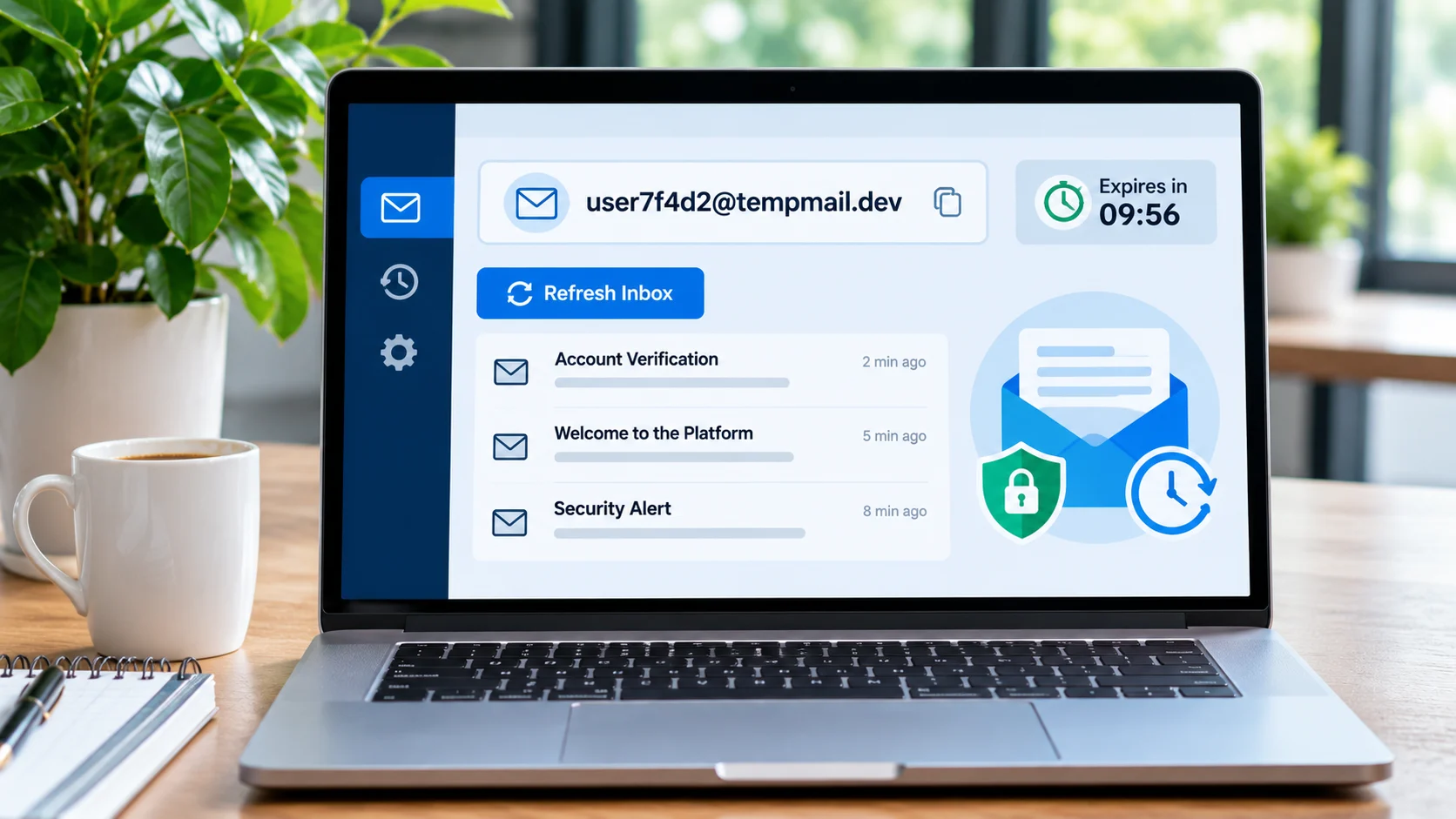
ATempMail is a browser-based temporary email service that advertises instant disposable inboxes for short-term registrations and incoming verification messages. This guide explains the features described on its public website, how to use a temporary inbox responsibly, and what to check in the provider’s privacy information before relying on it.
ATempMail’s homepage says visitors can generate a temporary address without creating an account.
The service describes an inbox for incoming messages, including some signup confirmations and one-time codes.
The site says addresses expire automatically, but the public pages reviewed do not state a precise, guaranteed lifetime.
Scope of this overview: This is an editorial summary of ATempMail’s public pages, not an independent security audit, penetration test, or guarantee of message delivery. Features and policies can change; check the provider’s current disclosures before use.
What Is ATempMail?
ATempMail (atempmail.com) presents itself as a free temporary email service. Instead of sharing your regular address with every website, you can use a disposable address for a limited interaction and check incoming mail through the temporary inbox. The intended benefit is to keep low-priority registrations and promotional messages separate from your primary mailbox.
A temporary inbox is not the same as a permanent email account. It is designed for short-term access, may expire, and may not provide the recovery options or long-term message history that you expect from Gmail, Outlook, or a business mailbox.
Features ATempMail Currently Advertises
- Instant address generation: Its homepage says an inbox can be created when you visit, without a conventional signup process or personal details.
- Incoming email: The service describes receiving website registrations, confirmation links, and one-time verification codes.
- Inbox controls: Its public guide says users can refresh the inbox, read messages, and discard messages or addresses.
- Automatic expiry: ATempMail says temporary addresses and messages are deleted after a limited period. The exact period was not stated on the public homepage reviewed.
- Attachments: The homepage says attachments may be viewed when supported. Do not assume every file type or attachment is accepted.
- Free access: The About page describes the service as free. Check its current website for any changes to access or usage limits.
These are provider-published descriptions, not independently measured performance results. Delivery speed, compatibility with a particular website, mailbox privacy controls, and exact message retention should not be assumed.
How to Use a Temporary Email Address
- Open the provider website: Visit ATempMail directly and confirm that the domain is correct.
- Generate or copy the displayed address: Follow the current on-page instructions and copy the temporary email address exactly as shown.
- Use it only for a low-risk interaction: Enter it on a site where a temporary contact address is appropriate and permitted by that site’s rules.
- Check for the incoming message: Return to the temporary inbox and refresh it if the message does not appear immediately. Delivery is not guaranteed, and some websites block disposable domains.
- Finish the task and discard the address: Do not depend on the inbox for future account access. The address or messages may expire or become unavailable.
When Does Disposable Email Make Sense?
Use a temporary address when a site needs an email for a one-time confirmation and you do not need the account later.
It can keep optional promotional mail away from your main inbox, provided the website allows disposable addresses.
Testers can use disposable inboxes for non-sensitive signup flows. Use a dedicated test-mail platform for repeatable or production-like testing.
A disposable address is a convenience and spam-separation tool. It does not make browsing anonymous, remove tracking from a website, or protect information that you submit in forms.
Important Privacy and Security Considerations
Avoid banking, payment services, healthcare, government services, employment accounts, purchases that need receipts, password recovery, or any account you expect to keep. If the address expires, you may lose a route to receive alerts or recover the account.
There is also a point worth checking in ATempMail’s own public disclosures. Its About page describes zero data retention for temporary inbox messages and says user activity is not shared with third parties. Its Privacy Policy, however, says the website may collect information voluntarily provided by users and technical information such as IP address and browser type through cookies or tracking technologies. The policy also says information may be shared with service providers and retained as long as necessary for stated purposes.
Those statements address different categories of information, but together they do not establish a complete, precise retention schedule for every kind of data. The public pages reviewed also do not clearly explain whether every temporary inbox is private to one browser session or what controls prevent another person from accessing an address. Treat the service as a low-sensitivity tool and ask the provider for clarification before trusting it with anything confidential.
- Do not use a temporary inbox to receive passwords, financial details, identity documents, medical information, or private work files.
- Do not assume that a disposable address guarantees anonymity or prevents IP-based, browser-based, or cookie-based tracking.
- Be cautious with links and attachments in unexpected messages, even when the inbox itself is temporary.
- Do not reuse an address for an account that may need a password reset or future identity check.
- Check the receiving website’s terms. Some services reject disposable email domains.
Temporary Email vs. a Persistent Email Alias
A temporary inbox and a masked email alias solve related but different problems. A temporary inbox is intended to expire. A persistent alias usually forwards messages to an inbox you control and can be disabled when it starts receiving spam.
| Option | Best suited to | Main limitation |
|---|---|---|
| Temporary inbox | One-off, low-risk registrations and short testing sessions | May expire; future recovery can be lost |
| Persistent masked alias | Shopping, newsletters, and services you may use again | Requires a provider or mailbox that continues forwarding |
| Primary email account | Banking, work, healthcare, purchases, and long-term accounts | Needs good spam controls and account security |
For a long-term account, use an address you control and keep its recovery methods current. Google’s account recovery guidance, for example, explains that recovery may require a phone number or recovery email. A disposable inbox is not a dependable substitute.
What If a Verification Email Does Not Arrive?
- Check that you copied the address correctly and used the address currently displayed by the provider.
- Refresh the inbox and allow a short time for delivery. Some senders queue messages or retry delivery.
- Check whether the website explicitly blocks temporary email addresses. If it does, use a legitimate address or alias accepted by that service rather than trying to evade its controls.
- If the message still does not arrive, use the sender’s supported contact method or the provider’s contact page. Do not keep creating addresses for an account you need to retain.
Frequently Asked Questions
ATempMail’s About page describes its service as free. Check the live website for the current terms and any usage limits.
The provider’s homepage says temporary inboxes can be generated without registration. Follow the current on-page instructions.
The site says addresses expire automatically after a limited time. The public pages reviewed do not specify a precise duration, so do not rely on a particular expiry window.
The provider advertises support for signup links and one-time codes. However, delivery and acceptance depend on the sender, and some websites block disposable domains.
No. It can avoid exposing your primary email address, but it does not guarantee anonymity. ATempMail’s privacy policy says technical information such as IP address and browser type may be collected.
It is not recommended. Once the address or inbox expires, you may not be able to receive recovery messages or regain access to the account.
The public pages reviewed primarily describe receiving messages. They do not clearly document a general outbound email or reply feature, so check the live service before assuming it is available.
Related Resource for Website Owners
Websites that collect email addresses should explain what information they collect, why they collect it, who may process it, and how long it is retained. Our Free Privacy Policy Generator can help create a starting draft, but the final policy should be checked against the site’s actual practices and applicable requirements.
- ATempMail official homepage
- ATempMail About page
- ATempMail Privacy Policy
- Google Account and Gmail recovery guidance
Provider information checked on 25 November 2026. Product features, privacy terms, and availability may change.